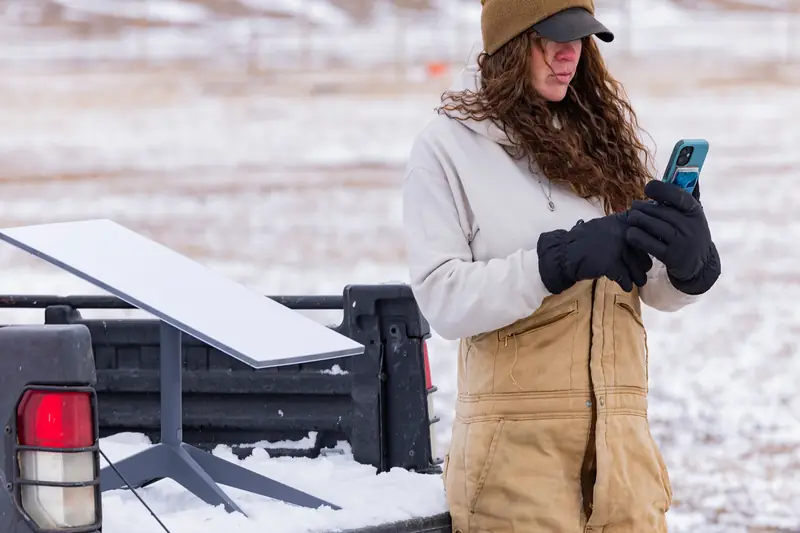
Getting Starlink to a barn, shop or outbuilding
Ordering happens on Starlink's site. Starlink sets the referral credit for first-time customers, currently $100 in the U.S.
You rarely need a second Starlink for the barn. One dish at the house brings the internet onto the property; getting it to the shop, the barn or the bunkhouse is a networking job, and the right method depends mostly on distance, digging and what's in between.
Here are the options, how far they reach, and where they go wrong.
Pick the link by distance
Distance is the first question. The second is whether you can dig, and the third is whether the buildings can see one another.
| Situation | Usual answer | Watch for |
|---|---|---|
| Close by, Wi-Fi already reaches the wall | A Starlink mesh node inside the building | Metal siding blocks Wi-Fi, so the node must be inside |
| Up to 328 ft (100 m), and you can dig | Buried outdoor-rated Ethernet in conduit | That's the standard's limit for one copper run; add surge protection at both ends |
| Clear line of sight between buildings | A point-to-point wireless bridge | Trees, hay stacks or a new shed can break the path |
| Farther than 328 ft, and you can dig | Fiber with a media converter at both ends | More parts, but no electrical path between buildings |
| Nothing can reach, or a separate household | A second Starlink kit | Its own plan and bill |
The 100 m figure is the Ethernet standard's maximum for a single copper segment. Mesh details from Starlink's Router 3 spec sheet, read November 22, 2026.
Start with what's in the box
The Standard kit's Router 3 has two Ethernet LAN ports, so a wired run to the barn can plug straight in, or into a small network switch if you need more ports. Its Wi-Fi covers up to 3,200 sq ft in Starlink's spec, and it works with up to three Starlink mesh nodes, though not with third-party mesh systems.
The dish itself connects to the router with the included 15 m (49.2 ft) cable, so the router sits near the dish and the barn link starts from there. If you'd rather run your own router or mesh, Starlink's router has a bypass mode for that.
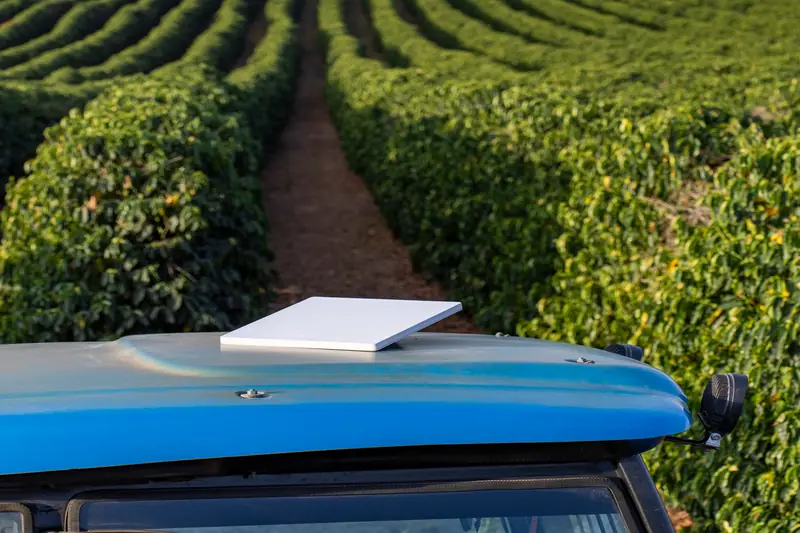
Buried cable: the sturdiest link
A buried run is the set-and-forget option. Use cable rated for outdoor or direct burial, run it in conduit where machinery crosses, and keep it under 328 feet. Copper between buildings can carry a lightning surge, so put surge protection at both ends and follow local grounding code.
Past 328 feet, or where lightning is common, fiber is worth the extra parts: a media converter at the house and another at the barn, with nothing conductive in between.
Get the dish up at the house first
Sort out the dish and router, then plan the barn link. Starlink's 30-day trial gives you time to test it all.
Click to get your $100 credit (new tab to Starlink's site)
About the credit: if you've never been a Starlink customer, ordering Residential or Roam through this link can earn a reward from Starlink after two months of service. It's $100 in the U.S. right now, as bill credit or cash, and Starlink sets the terms.
Wireless bridges and mesh
A point-to-point bridge is a pair of small outdoor radios aimed at one another. It needs a clear line of sight, so mount them high on the eaves, and remember that a season of leaves or a stack of round bales can change things.
Mesh is simpler for close buildings: a Starlink mesh node inside the shop, within reach of the house Wi-Fi. Metal buildings act like a cage for Wi-Fi, which is why the node goes inside, ideally fed by cable.
What the barn connection is for
| Use in the outbuilding | What it needs | Good fit |
|---|---|---|
| Calving or security cameras | Steady upload, all day | Buried cable or fiber; a bridge with a clean path |
| Shop computer, parts lookups | A reliable connection, modest speed | Any of the options |
| Wi-Fi for a hired hand's quarters | Good Wi-Fi inside the building | Cable or bridge feeding an access point or mesh node |
| Gate, water or weather sensors | Very little bandwidth | Mesh or a bridge; sometimes a cellular sensor is simpler |
Who a single-dish setup isn't for
- Two households on one property: a second kit keeps bills and speeds separate.
- Buildings with no dig route and no line of sight: a second kit may be the only practical option.
- Heavy camera loads plus a busy household: everything shares one connection, so plan for it.
Bring the whole property online
Start with Starlink at the house, then extend it to the barn your way.
Click to get your $100 credit (new tab to Starlink's site)
About the credit: if you've never been a Starlink customer, ordering Residential or Roam through this link can earn a reward from Starlink after two months of service. It's $100 in the U.S. right now, as bill credit or cash, and Starlink sets the terms.
Barn and outbuilding questions
How far can Ethernet run to a barn?
Up to 100 meters (328 feet) per copper run under the Ethernet standard. For longer distances, use fiber or a wireless bridge.
Do I need a second Starlink for the shop?
Usually not. One kit at the house can feed the shop over cable, a bridge or mesh. A second kit makes sense when nothing can reach or another household wants its own service.
Will Wi-Fi go through a metal barn?
Poorly. Metal siding blocks most Wi-Fi, so put a mesh node or access point inside, fed by cable if you can.
Can I use my own mesh system with Starlink?
Starlink's Router 3 works with Starlink mesh nodes, not third-party mesh. To run your own system, Starlink's router has a bypass mode.
Never had Starlink?
A $100 Starlink credit for new rural customers
If the farmhouse is getting Starlink for the first time, place the order through the button below and Starlink can put a $100 credit on the account after two months of service. Nothing about the price changes.
Click to get your $100 credit (new tab to Starlink's site)
My referral code rides along with that button, so I may receive a referral benefit too. The terms belong to Starlink, which can revise them.