Internet before there's a house
Ordering happens on Starlink's site. Starlink sets the referral credit for first-time customers, currently $100 in the U.S.
Plenty of rural homes start as a bare lot, a driveway cut and a stack of lumber. In those months, internet matters more than owners expect: the surveyor wants to upload files, the builder needs to check plans on site, and a trail camera or gate sensor needs to phone home.
Starlink can cover that gap without a phone line or a cable drop. This page walks through planning internet for land you're buying or building on, from the sky check before closing to the move into the finished house.
Before you buy: a sky check
A lot can look perfect in a listing and turn out to be a bowl of trees. Starlink's dish needs a wide view of the sky, and the Starlink app has an obstruction check that shows what the dish sees from a spot.
If you can stand on the lot with a phone, you can check the top of the driveway, the likely house site and the spot where a pole would go. If it's a wooded parcel, a few clearings may matter more than the acreage.
- Look at the house site first. Then check the spot where you'd put a pole mount.
- Check in winter if you can. Bare branches show the real sky, and leaves can close it back up in spring.
- Photograph the horizon. A set of photos helps a builder and a surveyor plan around trees.
During construction: a temporary setup
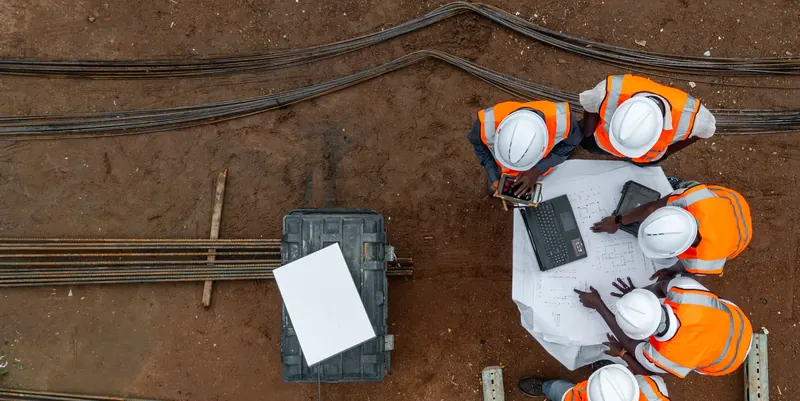
A kit on a kickstand or a short pole at the job-site trailer is enough for most builds. Crews can use it for email, plans on a tablet and uploads of progress photos.
For a site with no power, keep in mind that the dish and router need electricity. A generator, a battery bank or a solar setup keeps them running, and you'll want the dish placed where equipment and trucks can't bump it.
- Put the dish on a post above the equipment and out of the work zone.
- Keep it away from the roofline until the roof exists, then plan the final spot.
- Protect the cable run from trucks and tools.
Plan ahead
Check what's offered at your parcel
Starlink shows plans and pricing for a service address, and offers a 30-day trial with a full refund if it isn't right for you.
Click to get your $100 credit (new tab to Starlink's site)
About the credit: if you've never been a Starlink customer, ordering Residential or Roam through this link can earn a reward from Starlink after two months of service. It's $100 in the U.S. right now, as bill credit or cash, and Starlink sets the terms.
Cabins and homes in the woods, from Starlink's photos
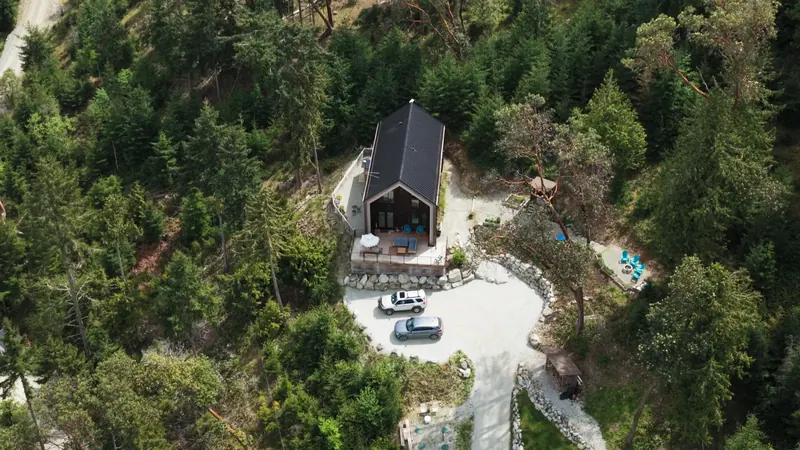
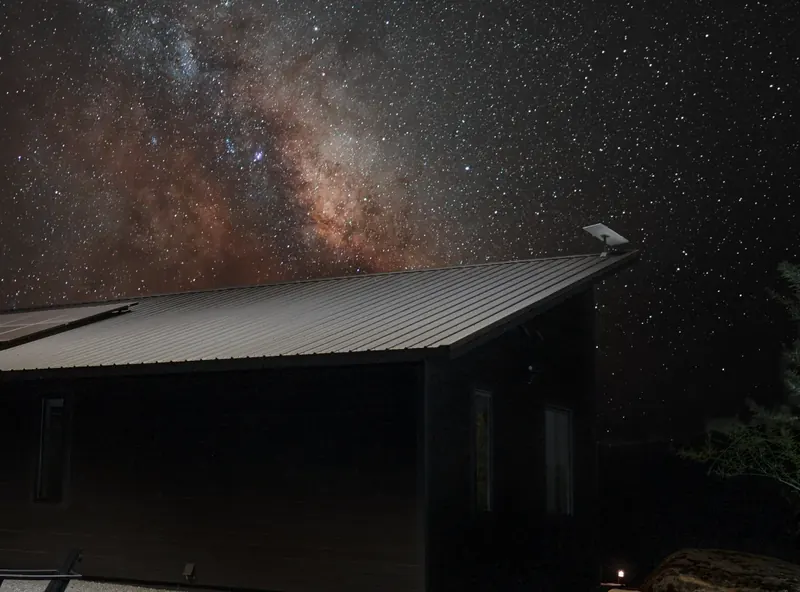
Starlink has photographed dishes at homes and cabins on wooded land. They show the setting many owners are starting from.
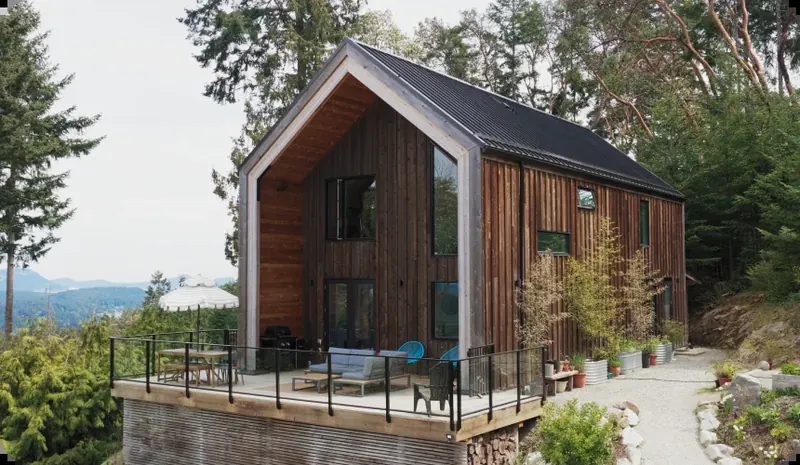
A finished cabin on a wooded slope. Image: Starlink. 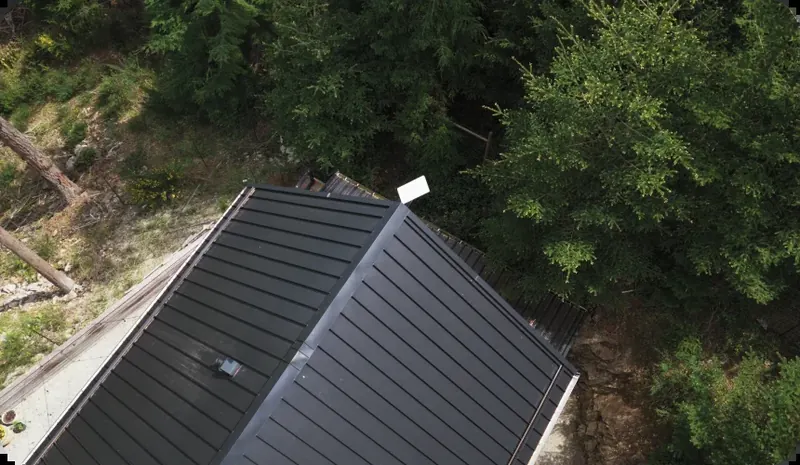
A dish-ready roof among trees. Image: Starlink. 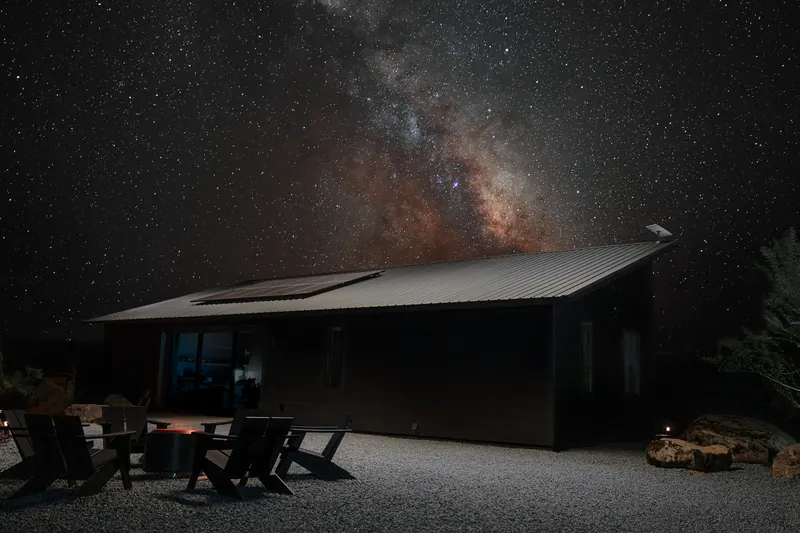
A dark cabin under the Milky Way. Image: Starlink.
A land timeline for internet
| Stage | What you need | Starlink option |
|---|---|---|
| Shopping for land | A sky view and a signal check | Use the Starlink app's obstruction check on the lot. |
| Survey and site work | A way to send files and make calls | A kit on a kickstand, or a short pole, with a plan that fits the address. |
| Framing and finishing | Plans, orders and crew communication | A temporary dish by the site trailer, powered by a generator or battery. |
| Move-in | A permanent mount and Wi-Fi | Move the dish to the finished roof or a pole and run the cable properly. |
Plan details change. Starlink's order page shows what's available for your address.
Moving into the finished house
Plan the permanent dish spot while the walls are still open. A conduit run from the roofline to a utility closet is cheap during framing and expensive afterward. If the builder knows where the dish will go, they can leave a clean path for the cable and the router.
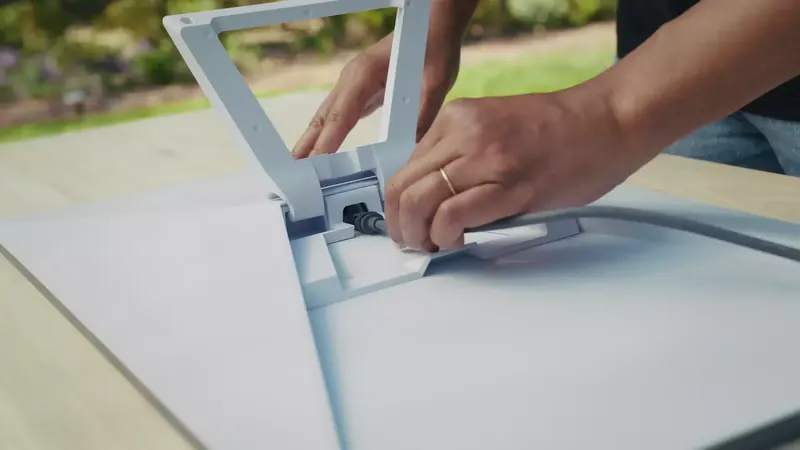
When you move in, you can lift the dish from the temporary spot to a permanent mount. Setting up Starlink on rural land covers poles, roofs and obstructions, and the farm guide covers outbuildings.
- Ask the builder to leave a conduit for the cable.
- Choose a router spot that's central and off the floor.
- Keep the original kickstand and cable for a backup.
Cameras, gates and remote monitoring
A bare lot can still hold a trail camera, a gate opener or a temperature sensor. A small router and a stable internet link are enough for most of them, and low-power devices can run from a modest battery.
If the property is far from the road, a solar panel and a battery can run the dish for stretches of the day. Plan that in advance, because the dish draws steady power.
What a land setup isn't for
- A parcel buried in trees: the dish needs open sky, and some lots don't have it.
- Skipping the permit: a pole, trenching or a conduit may need a permit. Check your county.
- Big crews on one link: a single Starlink kit is built for a household, not for dozens of people streaming at once.
Get the lot online before the first wall goes up
The 30-day trial lets you test a temporary setup on the land itself.
Click to get your $100 credit (new tab to Starlink's site)
About the credit: if you've never been a Starlink customer, ordering Residential or Roam through this link can earn a reward from Starlink after two months of service. It's $100 in the U.S. right now, as bill credit or cash, and Starlink sets the terms.
Land and build-site questions
Can I use Starlink on land with no house yet?
Yes, if the address is in an area where Starlink offers service and the dish has a clear view of the sky. You need a power source, and you should plan where the dish will sit while the home is built.
Do I need a service address?
Starlink shows plans and pricing for an address, so use the lot's address or the nearest address when you order. Check Starlink's order page for what applies to land without a street number.
How do I check trees before I buy?
Use the Starlink app's obstruction check at the spot where the dish would sit. It shows what the dish can see and where trees or buildings would block it.
What about power at a bare lot?
The dish and router need power. A generator, a battery or a solar setup can cover a site until the grid arrives.
Can a contractor use my Starlink?
A kit can serve a household or a small crew for email and uploads. Starlink also has business plans for heavier or commercial use.
Never had Starlink?
A $100 Starlink credit for new rural customers
If the farmhouse is getting Starlink for the first time, place the order through the button below and Starlink can put a $100 credit on the account after two months of service. Nothing about the price changes.
Click to get your $100 credit (new tab to Starlink's site)
My referral code rides along with that button, so I may receive a referral benefit too. The terms belong to Starlink, which can revise them. More on how the Starlink referral code works.